Move your whole cloud, natively.
switch reads your Terraform state, rewrites every resource into the target cloud's native primitives, and emits OpenTofu you can read — with a signed report of anything that can't translate cleanly.
terraform show -json No agents in your prod pathAI plans. Deterministic code translates.
The model only assesses intent and residuals. Every rewrite is tested, deterministic code — same input, same bytes, same digest.
Semantic mapping
An aws_lb becomes a real url_map + backend_service — networking, IAM and load-balancer semantics modeled per provider, not lifted-and-shifted onto a VM.
Signed residual report
A fidelity lattice grades every resource — equivalent, weaker, unmapped, untranslatable — behind a sha256 digest you approve before anything applies.
Full data migration
Databases move with their data, not just schema — CDC replicate, verify, cut over, and keep reverse-replication armed for instant rollback.
How cutover worksNative primitives, graded fidelity
Each resource maps to the target's real service. Where fidelity drops, switch grades it and names the gap — it never silently omits.
| AWS source | GCP target | Fidelity |
|---|---|---|
| aws_instance | compute_instance | Equivalent |
| aws_db_instance | sql_database_instance | + data |
| aws_lb (ALB) | url_map + backend_service | Equivalent |
| aws_s3_bucket | storage_bucket | Equivalent |
| aws_security_group | compute_firewall | Equivalent |
| aws_iam_role | iam policy binding | Weaker |
| aws_sqs_queue.fifo | pubsub_topic | Unmapped |
# aws_db_instance.core  →  google_sql_database_instance
resource "google_sql_database_instance" "core" {
   database_version = "POSTGRES_15"
   settings {
     tier              = "db-custom-2-7680" # from db.m5.large
     availability_type = "REGIONAL"         # from multi_az = true
   }
 }
Every move, gated and reversible
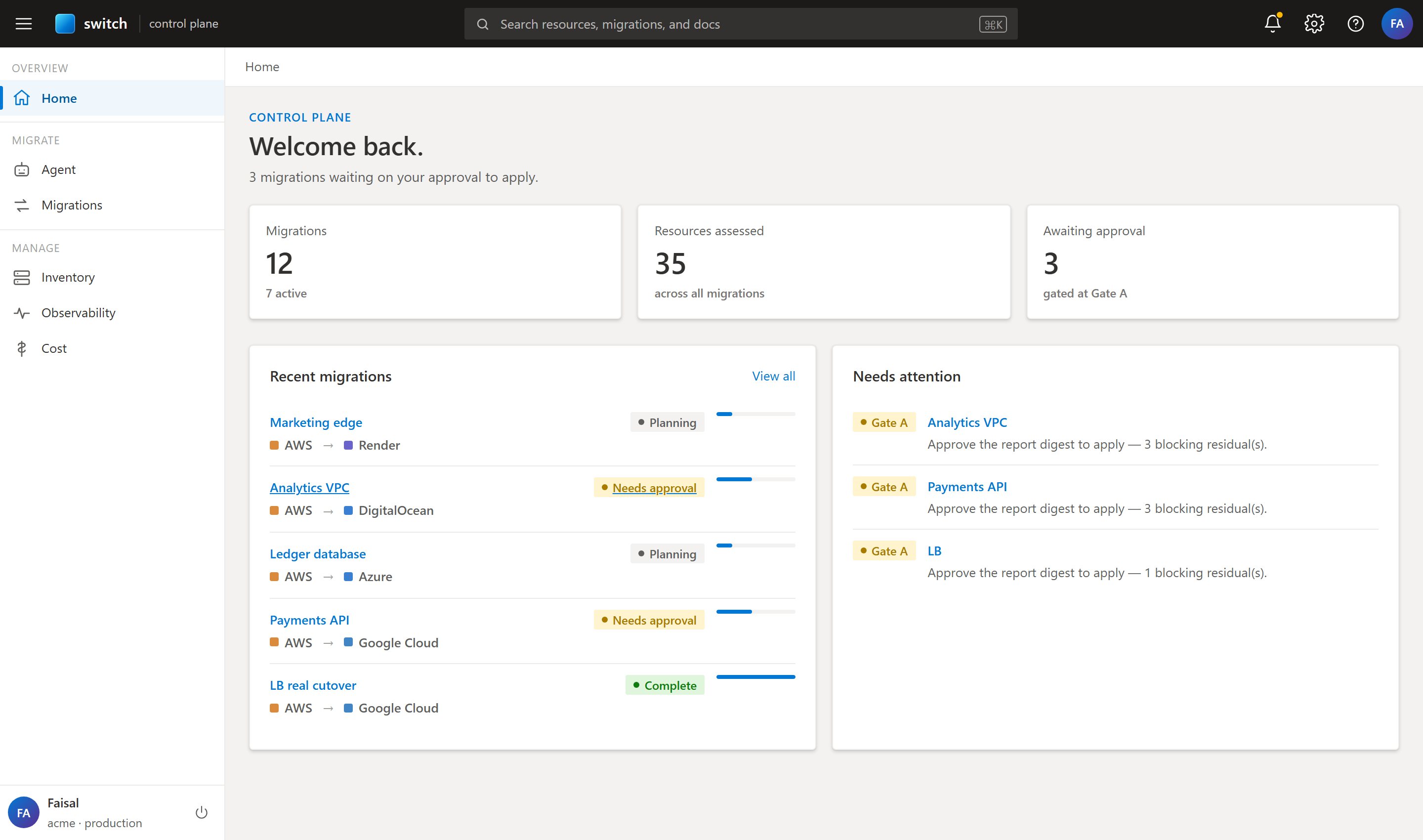
Compile, review residuals, approve the digest, apply — from a single portal.
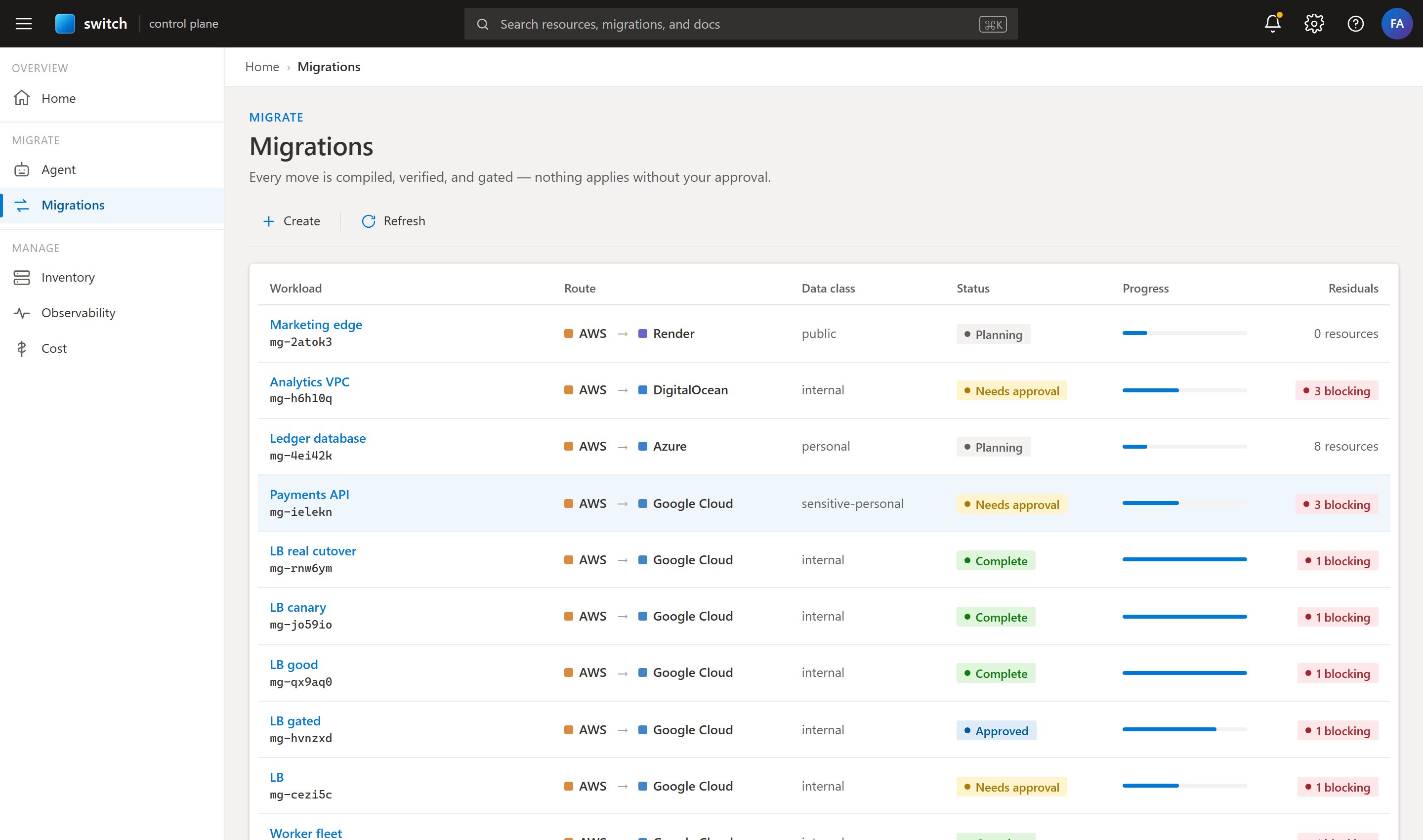
Nothing applies without your approval
Plan
Compile & diff
Approve
Sign the digest
Apply
Provision target
Probe
Verify health
Canary
Weighted cutover
Rollback
Instant, safe
switch stays as your control plane
The relationship doesn't end at migration — manage every cloud from one pane.
Unified inventory
Every resource across every provider in one searchable graph.
Cross-cloud observability
Latency, health and probes stitched into one live view.
Cost calculator
Model spend across clouds before and after a move.
Credits expire. Prices move. Your stack shouldn't be hostage to either.
Treat the cloud as a target you compile to — collect the next grant, chase the cheaper region, leave the provider that raised prices.
Request accessNever marry a cloud.
Compile your estate to a target you choose — and change your mind when the next credits, the cheaper region, or the price hike says so. Invites go out in small batches as targets stabilize.
No credit card · eject to plain OpenTofu anytime